From Box to Big Screen in Under Five Minutes
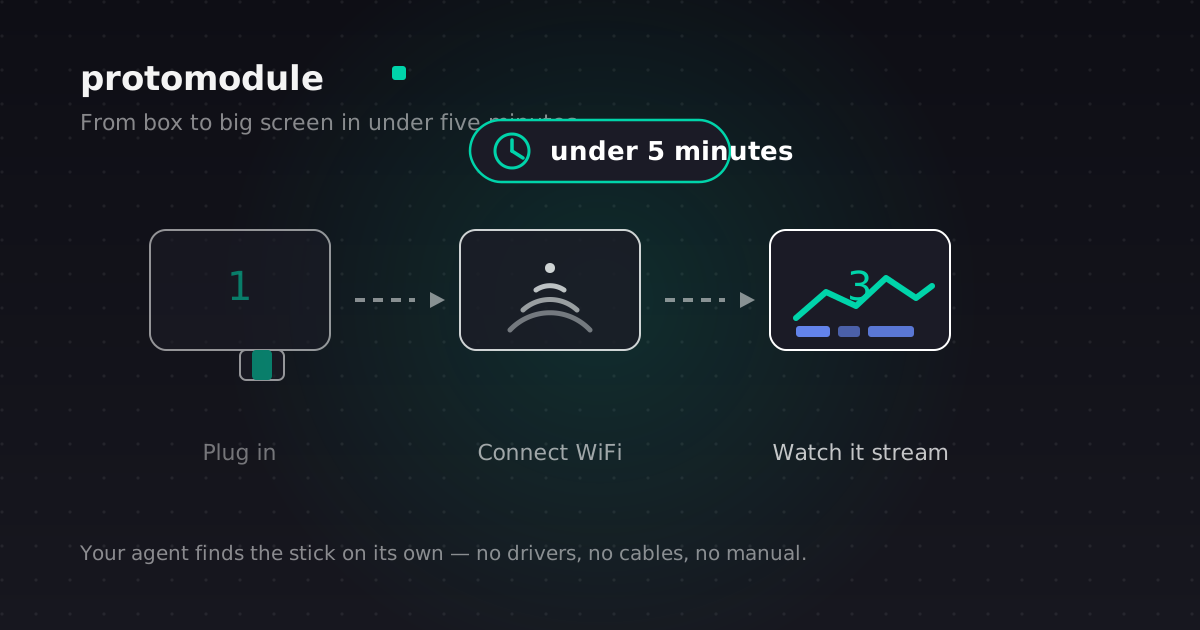
The whole point of ProtoModule is that it disappears. You should not have to think about it. You should not have to read a manual. You should plug it in, and a few minutes later your agent is streaming to the biggest screen in your home.
Here is how that happens, and what is actually inside the stick.
The five-minute setup
There are six steps, and only the first three involve you touching anything.
- Plug in. The stick goes into an HDMI port on the back of your TV. Power comes from a USB-C cable. That's the whole physical install.
- Connect WiFi. The TV shows a guided on-screen setup. You pick your network, enter the password once.
- Pair Bluetooth. One tap to pair your headset or speaker. Hands-free audio, done.
- Open your agent. Launch Claude Code, Codex, OpenCode, or Droid on your laptop.
- It auto-discovers the stick. Your agent finds the MCP server on your WiFi on its own. No IP addresses, no config files, no hunting.
- Visuals stream. Charts, diffs, logs, and diagrams appear on the TV in real time.
  flowchart LR
    A[Plug in HDMI + USB-C] --> B[Connect WiFi]
    B --> C[Pair Bluetooth]
    C --> D[Open your agent]
    D --> E[Agent auto-discovers MCP server]
    E --> F[Visuals stream to TV]
From unboxed to first visual on the TV, the target is under five minutes. Most people land well inside that.
What's inside
Plain-spoken, no jargon. The stick is a small computer that runs AI models locally. Voice, vision, and language all happen on the device, not in some distant cloud.
The services that run it are written in Rust. That matters for two reasons: it is fast, and it is safe. Rust is the language you choose when you want things to not crash and not leak.
On your network, the stick runs an MCP server. It talks over WebSocket, and your agent finds it through mDNS discovery. The connection is encrypted, and every tool the agent can call has its own permission level. Nothing runs by default.
Then there is the rendering pipeline. This is the part that makes ProtoModule safe.
A safe rendering pipeline
When your agent wants to show you something, it does not send code. It sends a JSON spec, a description of what to draw. The stick validates that spec, then renders it through a fixed palette of nine visual components:
- Dashboard, a grid of widgets
- Chart, line, bar, pie, area, scatter
- Diagram, architecture and process diagrams
- Diff, code review, side by side
- Log stream, live output
- Data table, tabular data
- Markdown, rendered text
- Action button, a button that maps to an allowlisted action
- Media frame, images and video
That is the whole palette. Nine components, each with strict rules about what it can do and how much it can use. No raw HTML. No JavaScript injection. No arbitrary code.
This is the safety centerpiece. Agents send JSON specs, never executable code. The stick renders from a fixed allowlist. There is no attack surface from agent code, because there is no agent code. It is the deepest moat ProtoModule has.
Performance that feels instant
A living-room device has to feel fast, not just be fast. ProtoModule is built to strict latency budgets, and the design fills every wait so it never feels like a wait.
- Wake word detection: under 200 milliseconds. Say "Hey Proto" and the orb responds almost instantly.
- First token: under 500 milliseconds. The thinking state and streaming tokens bridge the gap.
- Call setup: under 3 seconds. Progress feedback throughout.
- Cold boot to voice and MCP ready: under 15 seconds. Services start in parallel.
It is the wake word. Say "Hey Proto, what's my day?" and the voice orb expands, listens, thinks, and answers, all on the device. You can change the wake word, or use the remote button instead.
The point of all of it
The stick is a small computer, but the goal is that you never think about the computer. You think about the work on the TV, and the people on the other end of the call.
Plug it in. Connect WiFi. Pair Bluetooth. Open your agent. Watch it stream.
Under five minutes, and then it disappears.